Open User Panel
Access your account area and prepare your download or license in the website preview.
Requirements, installation overview, and recommended Pico hardware for AAS Vision.
A clean requirements section showing minimum and recommended specs for getting started.
A quick four-step flow to show how the UI demo is meant to be explored.
Access your account area and prepare your download or license in the website preview.
Choose your COM port and toggle the visual connection state from the SYSTEM tab.
Create or select a profile, then set your preview keybinds and sliders.
Use START AI to activate the live UI simulation and tracking showcase.
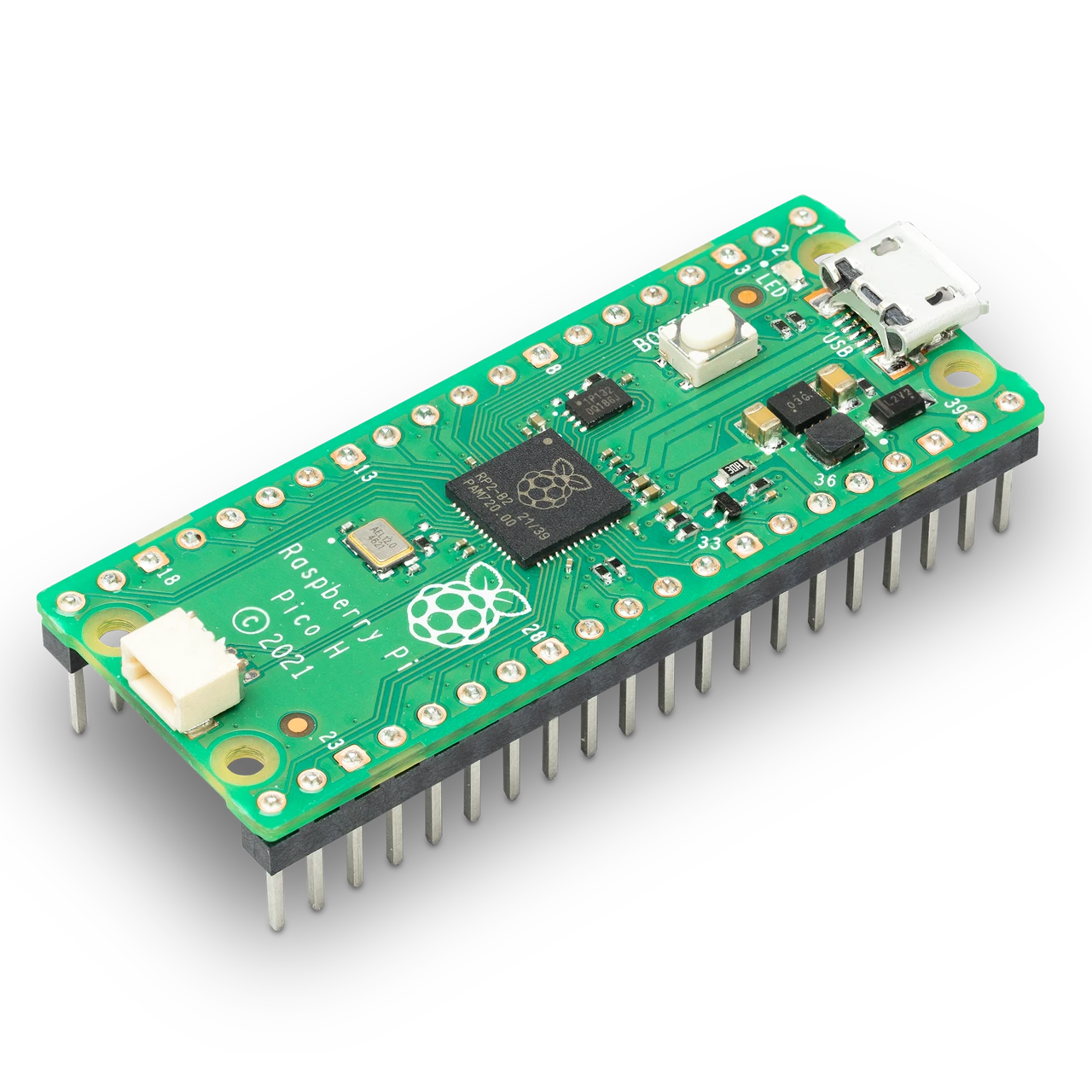
บอร์ด Pico คือหัวใจของแนวทางจำลองฮาร์ดแวร์อินพุตใน AAS VISION ราคาประหยัด หาได้ง่าย และเหมาะกับผู้ใช้ที่ต้องการแยกการส่งคำสั่งเมาส์/คีย์บอร์ดออกจากตัวซอฟต์แวร์โดยตรง.
Raspberry Pi Pico เป็นบอร์ดต้นทุนต่ำที่เหมาะกับแนวทางจำลองฮาร์ดแวร์ของ AAS VISION ช่วยให้แนวคิดการส่งอินพุตเมาส์และคีย์บอร์ดดูเรียบง่ายขึ้น ใช้งานง่าย ราคาประหยัด และเหมาะสำหรับผู้เริ่มต้น.
If users need help, this section points them toward your Discord support channel.
Use the Discord button in the navigation or the link below to open your community hub.
Join Discord